
Your Financial Life in One Place
Manage Money
Manage Money brings your First Financial and external accounts together in one place inside Digital Banking. Track spending, set budgets and monitor goals with simple visual tools that help you make confident choices.

One View. Smarter Everyday Decisions.
Managing your money is easier when everything is connected.
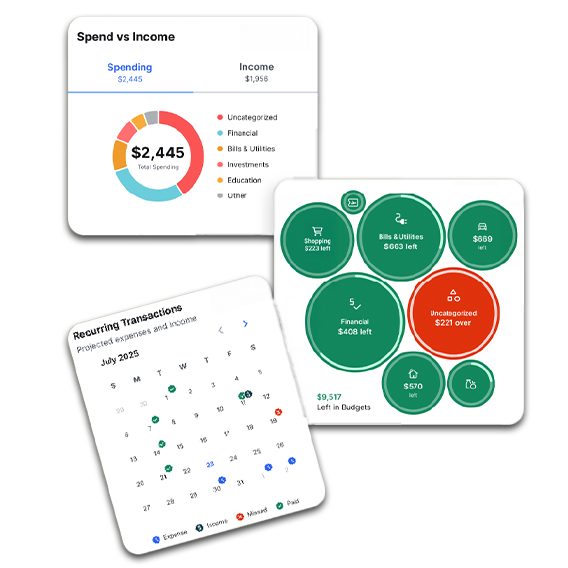
Your Money. Managed in Minutes.
- Login to Digital Banking via the mobile app or web.
- Under “Financial Wellness” in online banking or “More” in First Mobile, open “Manage Money.”
- Link external accounts (optional) for a complete view.
- Set your budgets—choose spending categories and limits.
- Track progress with visual tools for spending, net worth, and goals.
You can adjust categories, update budgets, and view all accounts in real time. That way your can understand what is changing and take your next step with more confidence.
Clarity That Leads to Smarter Choices
With visual tracking, cash flow insights, and goal monitoring, Manage Money turns your banking app into a financial decision engine. No guessing. No scattered spreadsheets. Just clear, organized, actionable information—right where you already bank.
Download the First Mobile App


Digital Banking/Mobile Banking: Mobile Banking is free from First Financial Bank, but data and text messaging charges from your service provider may apply. Not all accounts are eligible for mobile deposit.