
Take Control of Your Card Anytime, Anywhere
CardGuard
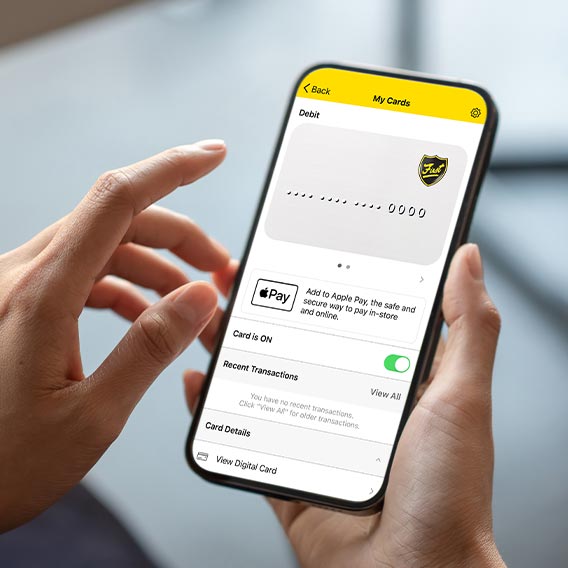
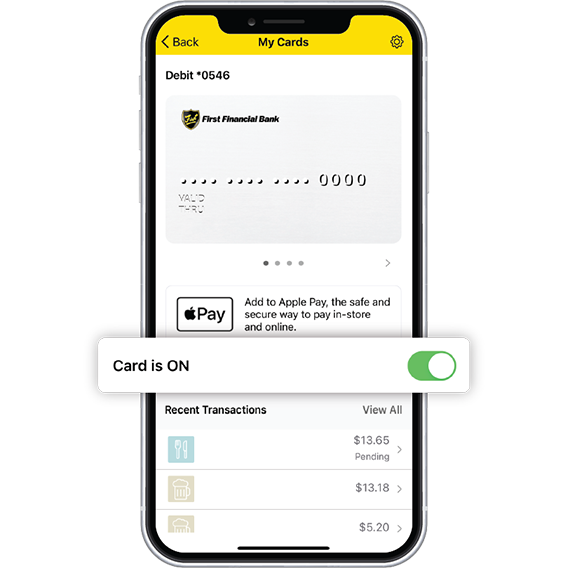
CardGuard is First Financial’s built-in card management tool within Digital Banking. It lets you instantly lock or unlock your First debit and credit cards, set spending limits, manage travel plans, and get real-time alerts for transactions, all from your phone or computer. Whether you’re budgeting, traveling, or protecting against fraud, CardGuard puts card control in your hands 24/7.
How To Use CardGuard
- Log in to Digital Banking via the mobile app or web.
- Select “CardGuard” from the menu.
- Choose your card and adjust settings like:
- Lock/unlock instantly
- Set spending or location-based limits
- Schedule travel notices
- Turn on purchase, decline, or withdrawal alerts
- Block specific merchant categories
- Save your changes—they take effect immediately.
Stay Protected. Stay Informed. Stay in Control.
Download the First Mobile App
With the First Mobile App, you’ll have your accounts, tools and financial peace-of-mind all in the palm of your hand. Whether you're checking balances at a glance or moving money in seconds, the app makes it seamless.


Digital Banking/Mobile Banking: Mobile Banking is free from First Financial Bank, but data and text messaging charges from your service provider may apply. Not all accounts are eligible for mobile deposit.